
Rooli Casino Mobile App

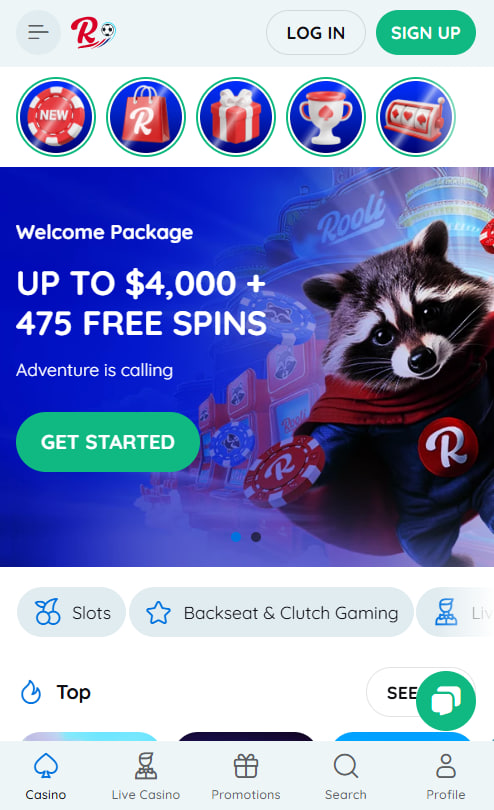
Rooli Casino moves with Australian players across iOS and Android, delivering the entire platform experience through a fast progressive web app that installs directly onto the home screen. The mobile version mirrors every desktop feature — pokies, live dealer rooms, deposits, withdrawals, bonus claims, and around-the-clock support — without sacrificing speed or stability. No download from any official store is required, which keeps the install process simple and the storage footprint minimal. This page walks through how the mobile experience works, what to expect on different operating systems, and the practical details that matter most for on-the-go play.
How Mobile Access Works at Rooli Casino
Rooli Casino is not available as a downloadable application on the Apple App Store or Google Play. The major app stores apply strict policies restricting real-money gambling applications in Australia, so the platform delivers the same complete experience through a progressive web app — modern technology that turns the mobile site into an installable, full-screen application directly from any browser. Once added to the home screen, the Rooli icon launches the casino in a dedicated window with no browser bars, replicating a native app feel while keeping every feature in sync with the desktop platform automatically.
Installing Rooli on iPhone and iPad
iOS players add Rooli Casino to the home screen through Safari in five quick steps that take under thirty seconds.
Five steps to install Rooli on iPhone and iPad
- Open Safari on iPhone or iPad and navigate to the Rooli homepage. The install option works only inside Safari, not Chrome or Firefox.
- Tap the Share icon — a square with an upward arrow — located at the bottom of the iPhone screen or in the top toolbar on iPad.
- Scroll down through the share sheet and select Add to Home Screen from the action list.
- Confirm or edit the icon name, then tap Add in the top right corner of the screen.
- Return to the home screen and launch Rooli with a single tap — the casino opens in a dedicated app-like window.
The installed icon updates automatically whenever the platform receives improvements — no reinstall required.
Installing Rooli on Android Devices
Android players install Rooli Casino through Chrome, Edge, or Samsung Internet using a similar process. The browser detects the progressive web app automatically and offers an install prompt within seconds.
Five steps to install Rooli on Android
- Open Chrome or another supported browser and navigate to the Rooli homepage.
- Tap the three-dot menu in the top-right corner of the browser interface.
- Select Install app or Add to Home Screen from the menu options.
- Confirm the installation when prompted, and the Rooli icon appears in the app drawer and on the home screen.
- Launch the casino from the home screen — it runs in a standalone window with full functionality intact.
Players should avoid any unofficial Rooli APK file from third-party websites — only the in-browser install path is genuine and safe.
What Works on Mobile
The mobile version of Rooli Casino mirrors the desktop platform across every functional area. Every game launches at full quality, every payment method behaves identically, and every bonus claims through the same cashier interface used on desktop.
Features that work identically on mobile
- All 5,000+ pokies, live dealer tables, and crash games
- PayID, card, and cryptocurrency deposits with the same minimum amounts
- Withdrawals including PayID and crypto, processed at the same speed
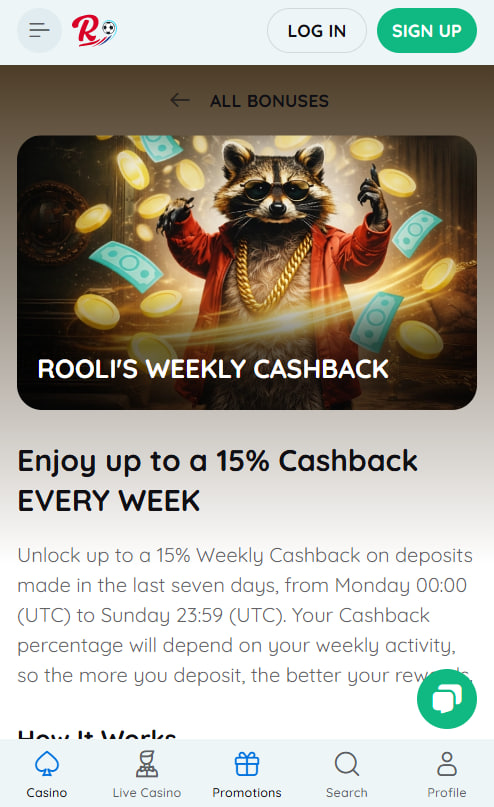
- Bonus claims with promo codes ROO2, ROO3, ROO4, HODL, and ROOLLER
- 24/7 live chat and account verification through camera document uploads
- Loyalty point tracking and tournament leaderboard participation
Mobile and Desktop Side by Side
Both versions deliver the complete Rooli Casino experience, though each suits slightly different play styles depending on session length and game choice.
Mobile and desktop strengths compared
| Scenario | Mobile | Desktop |
|---|---|---|
| Quick spin on a pokie | Excellent | Good |
| Live dealer multi-tabling | Limited | Excellent |
| Bonus claiming on the go | Excellent | Possible |
| Tournament leaderboard tracking | Good | Excellent |
| Detailed game statistics | Compact view | Full display |
Switching between mobile and desktop without losing session progress, balance visibility, or active bonus tracking is built into every Rooli account from the moment of rooli register.
Storage and Performance on Mobile
The Rooli Casino progressive web app stores only the platform shell on the device, with games and live streams loaded on demand. The latest version always loads without any manual updates.
Rooli Casino mobile resource profile
| Activity | Storage or data usage |
|---|---|
| PWA shell on device | ~5 MB |
| Pokies session (1 hour) | ~14 MB data |
| Live dealer (1 hour) | ~220 MB data |
| First install footprint | Shell only — negligible |
Live dealer streams demand a stable 4G or Wi-Fi connection, while pokies sessions run smoothly even on slower networks. Loyalty balances and active rooli bonus progress sync instantly across logins.

Penelope Fairweather
Penelope Fairweather reports on offshore-licensed online casinos serving Australian players at rooli-casinoo.com, focused on the Curaçao-licensed Rooli Casino which launched in 2023 under Dama N.V. operating with Antillephone N.V. licence 152125 issued by the Curaçao Gaming Control Board. Writes about 5,000+ catalogues from 65+ studios including Pragmatic Play, Evolution Gaming, BGaming, NetEnt, Play'n GO, Yggdrasil, Nolimit City and Quickspin featuring Sweet Bonanza, Sugar Rush, Gates of Olympus 1000.